Do I need to understand synthesis?
No. Start with words you’d use with another musician: warm, bright, soft, punchy, or feeling words like nostalgic and euphoric. sonarch programs the instrument and puts useful controls within reach—and if you already know synthesis, you can also type exact values like 230hz cutoff 10% resonance or modulation routes directly in your prompt.
sonarch looks sophisticated. How do I learn what it can do?
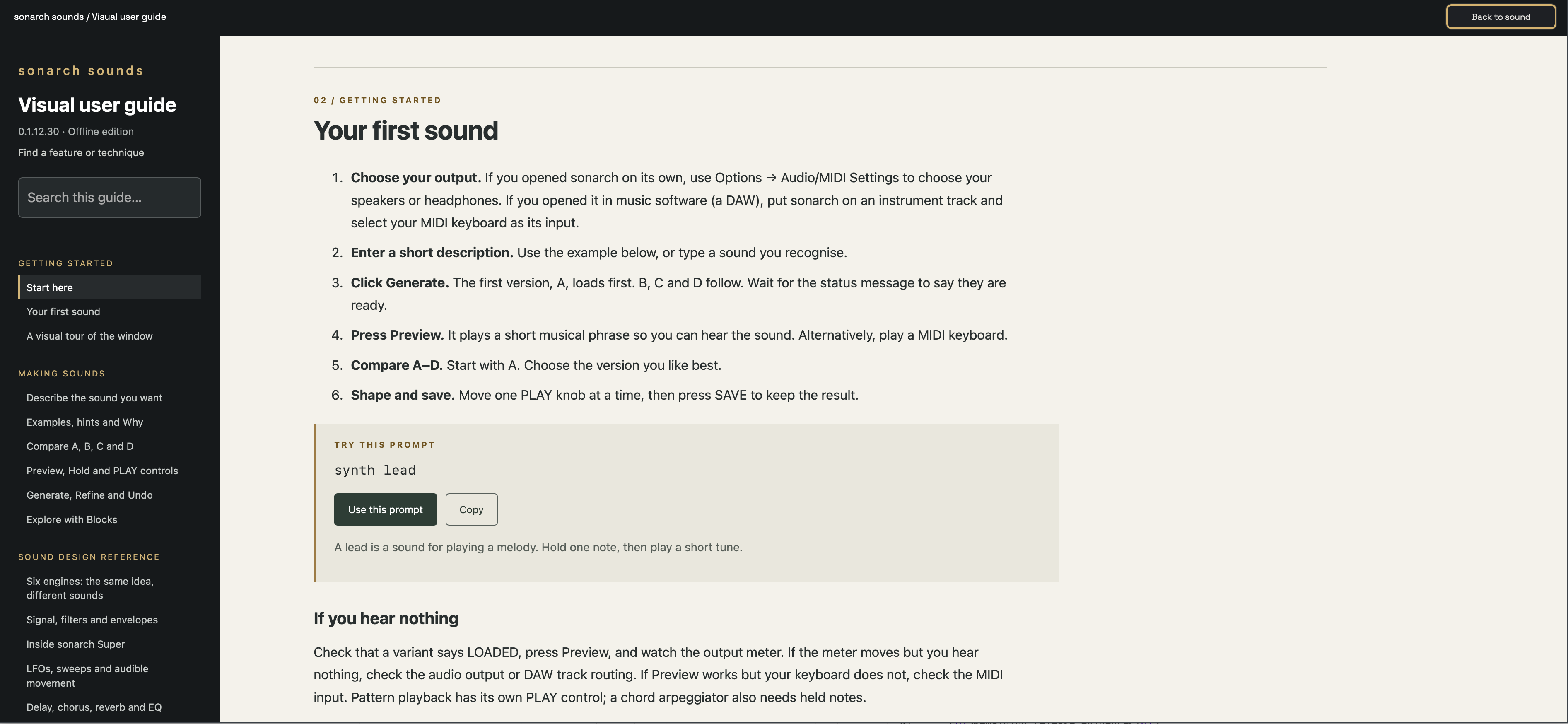
The interactive user guide is built into the instrument, with walkthroughs, practical examples and prompts you can send straight to sonarch. Open it from Settings or Examples inside the app. See the built-in guide overview.
Are the classic models exact hardware clones?
No. sonarch aims to give you quick, repeatable access to the spirit of classic and vintage sounds alongside modern synthesis. Its models use distinct architectures and musical behaviours, but do not reproduce each original instrument in its entirety. Expect familiar character and room to shape it, rather than identical patches, every original feature or a guaranteed match to a hardware reference.
How quickly can I play a generated sound?
Once the patch is ready, you play a real-time synth running on your computer. There is no cloud service generating each note. Generation speed and playing latency are different: key-to-sound latency depends on your audio interface, buffer settings, host and computer load. sonarch does not promise zero latency on every setup.
Is this just searching for presets?
No. sonarch is a synth-engine patch-generation system. It interprets your description, selects an appropriate engine—including over 20 classic analogue voice topologies, FM, wavetable, hybrid sample and SuperSynth—and dynamically builds a playable patch, configuring the sound sources, signal path, modulation and effects to shape the tone you asked for. And when you want curated starting points, Presets and Examples also include over 400 presets right beside the prompt.
Do I need an account or an internet connection?
Sound generation and playback run 100% locally on your computer. Your descriptions aren’t sent to a server, no part of sound generation happens in the cloud, and no AI API key is used. A purchased licence activates once online from Settings → Registration with your purchase email and code, and covers up to 3 computers (with online Release this computer if you move machines). After activation, sonarch runs completely offline.
Can I play and change the sounds?
Yes. Play with a MIDI keyboard (including MPE and polyphonic aftertouch), your computer keys or the built-in preview. Compare variations A–D, shape the sound with macros and detailed controls, or tap a suggestion chip. Append a change to the prompt and choose Apply changes; Request results explains anything limited or not applied. Choose New variations for a fresh set of sounds, and save the result you like.
Is it a subscription?
No. A one-off purchase gives you a perpetual licence to sonarch on up to 3 computers. No recurring subscription payments—keep your focus on making music.
Can I come back to the same sound?
Yes. Generation is deterministic on the same version of sonarch, so the same prompt produces repeatable results. Save a .sonarch patch file to keep your chosen sound and knob edits, or simply save your DAW project—the full patch, prompt, edits and MIDI mappings recall automatically with your session.
Can I combine two sounds or split the keyboard?
Yes. Describe a two-part patch—such as warm bass with soft pad or using ; Part 2:—to load two independent synth parts. Balance them with the P1/P2 Mix knob, mute or edit each part independently, and drag the P1 and P2 bars above the 88-key keyboard to create keyboard splits or layered key zones.
Which platforms does sonarch support?
sonarch 1.0 supports macOS and Windows. Use it as a plug-in in compatible music software or as a standalone app. AU and VST3 are available on macOS; VST3 is available on Windows. See the full system requirements.